Template
The Starter
A finished store you duplicate and make your own. Worth a tour before you start moving things: nearly every question about how the components fit together is already answered somewhere in it.
Walk through the live version first. To take your own copy, open the Soundee plugin in Framer, go to Templates, and use Duplicate Starter.
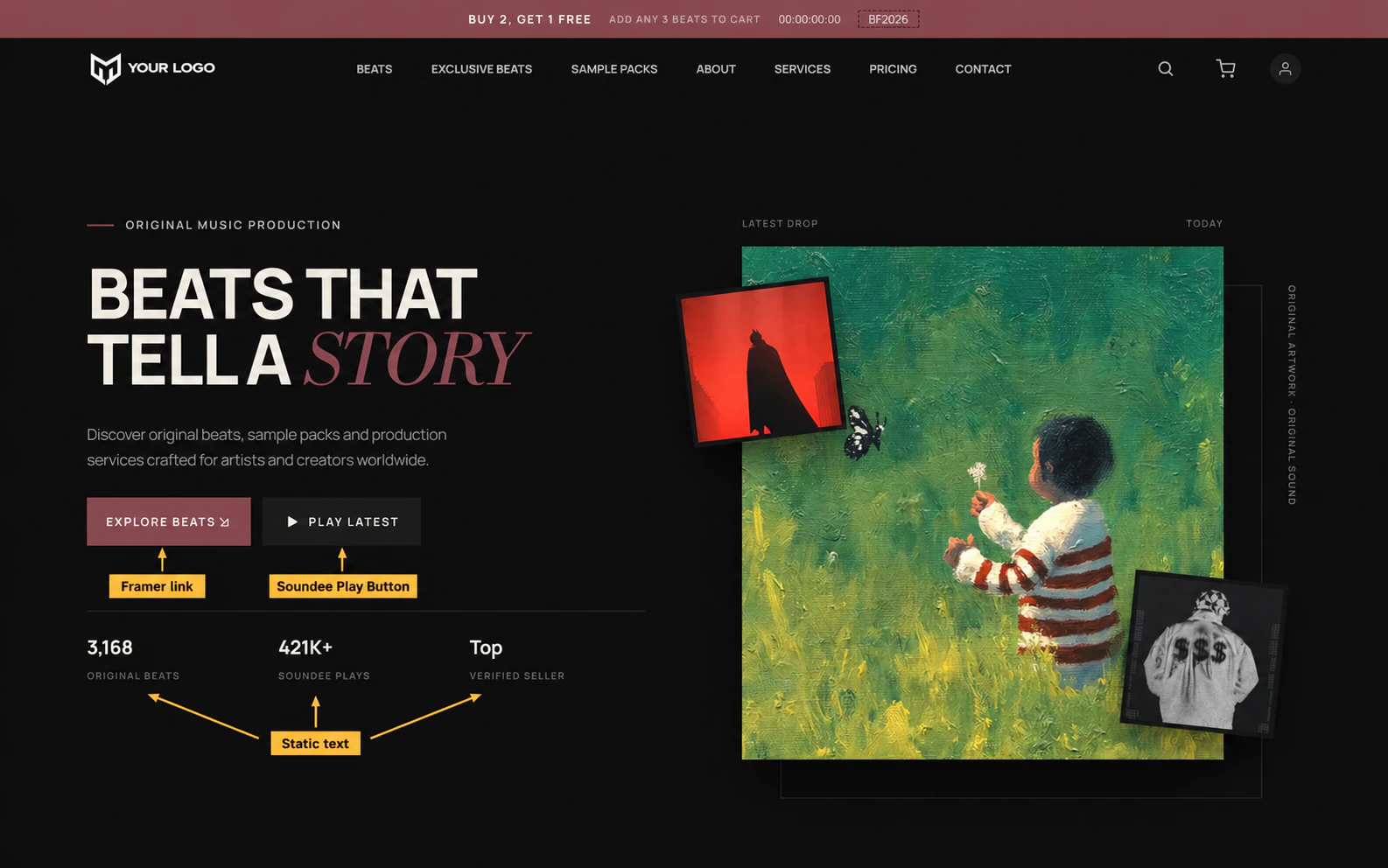
What is in it
| Page | Built from |
|---|---|
| Home | Hero, Carousel shelves |
| Beats | Tracks Browser |
| Sample Packs | Kits Browser |
| Services | Services Browser |
| Detail page | The nine detail-page components |
Soundee Setup and the Player Bar sit in the layout template every page inherits, which is why you will not find them on each page individually.
What to change, in order
Each step makes the next one easier to judge:
Connect your store
So the lists fill with your catalogue instead of the demo’s.
Soundee Setup
Your colours, fonts, radius and button height. Everything else follows from here.
Logo and navigation
Ordinary Framer layers — nothing Soundee-specific.
Hero copy and counters
Static text. Put your own numbers in.
The shelves
Point each Carousel at the playlist or filter you want to lead with.