Catalogue
Sources
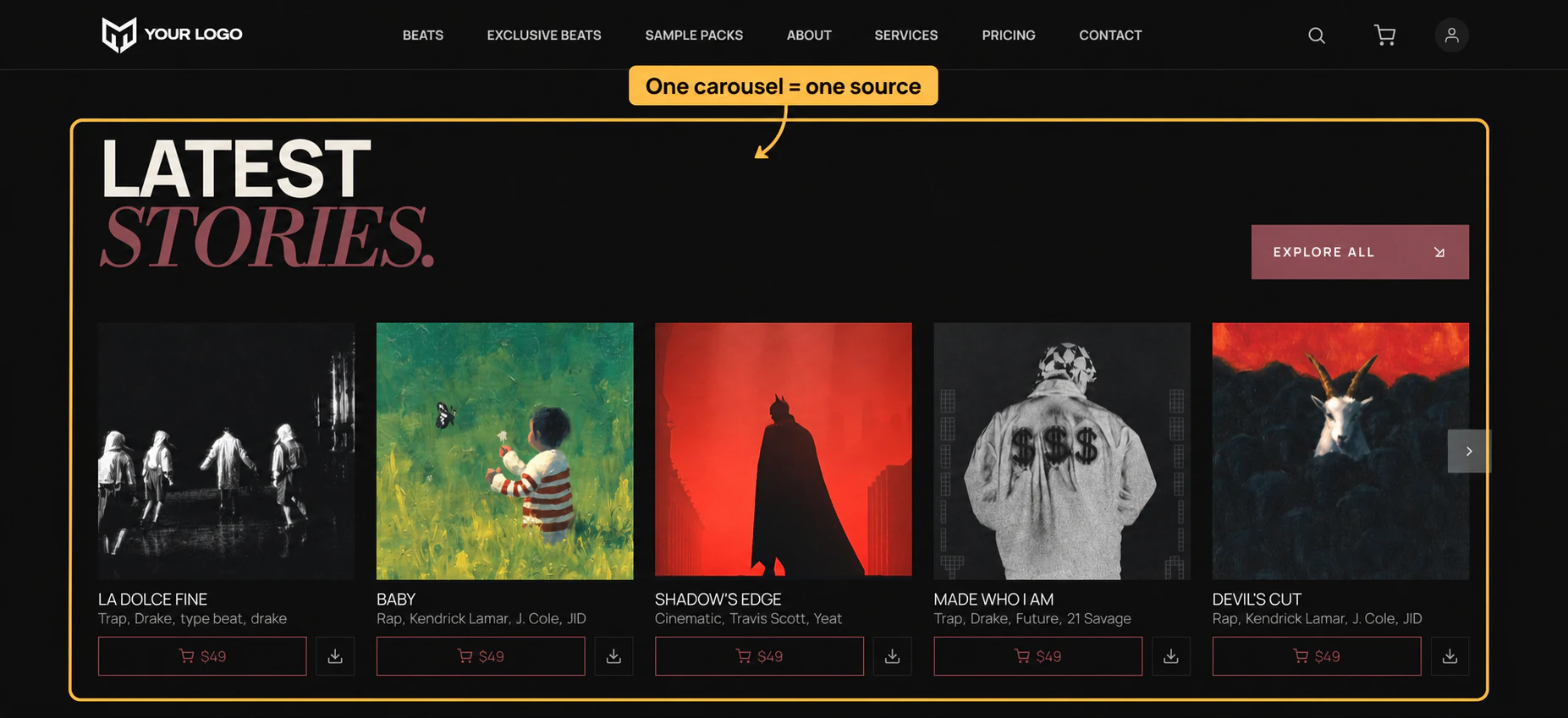
Where a list draws from, before any filter narrows it. Every browser and carousel has one.
| Source | Shows |
|---|---|
| Tracks | Your whole catalogue. The one to pair with a filter bar. |
| Favorites | What the signed-in visitor has liked. Empty for a signed-out one. |
| Playlist | A playlist you curate in Soundee. Set Playlist ID beside it. |
Kits and services offer the same, minus Playlist.
Curated pages
Playlists are the tidiest way to build a page you control by hand. Make the playlist in Soundee, drop a browser or carousel on the page, set Source to Playlist and paste the id. Reordering the playlist in Soundee reorders the page.
Leaving one out
A “more like this” list on a detail page should not include the track the visitor is already looking at. Bind that track to the Exclude control and it drops out. 0 leaves everything in.