Components
Browsing the catalogue
A browser is a whole catalogue page in one component. A carousel is a shelf of it for somewhere else.
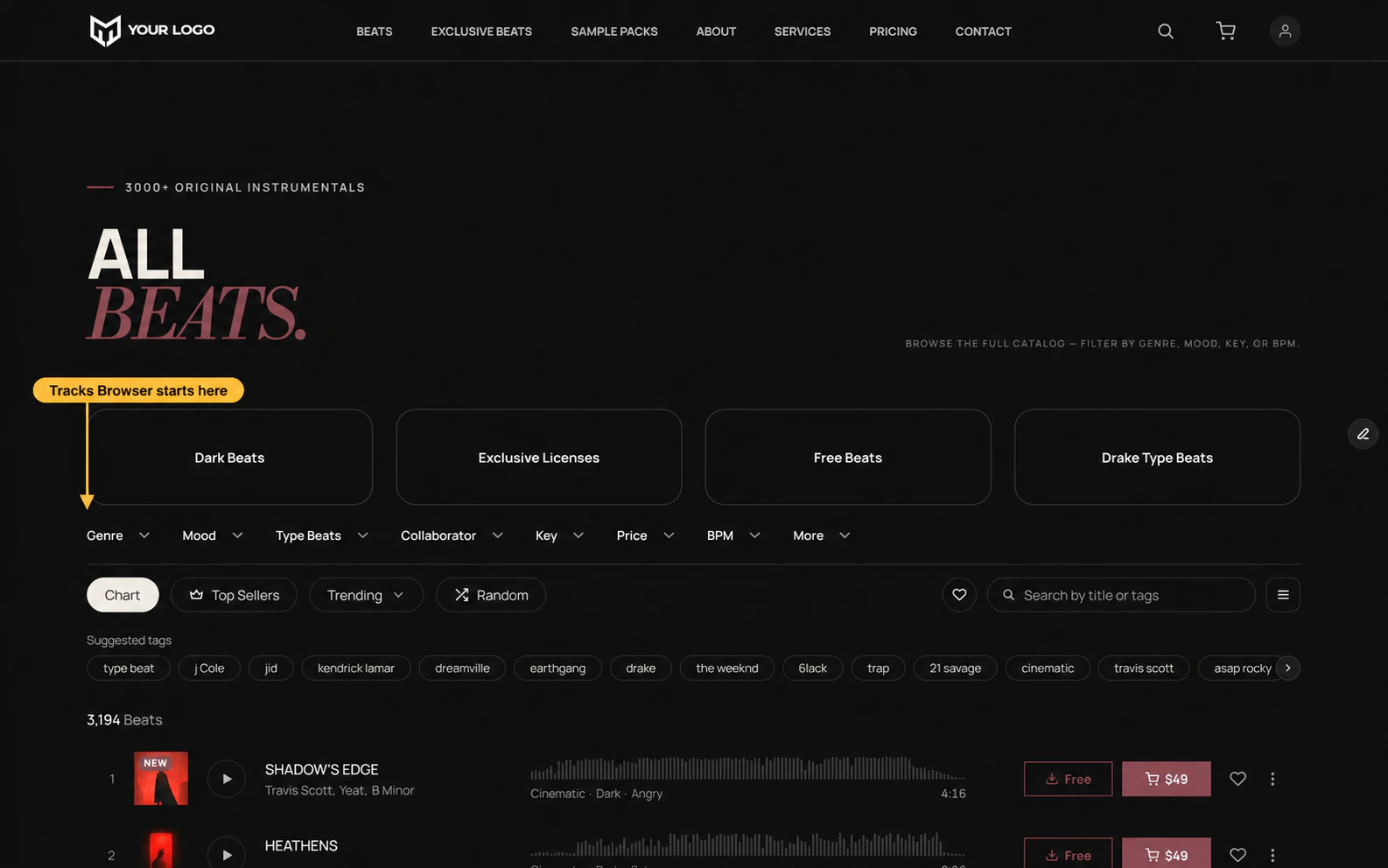
Tracks Browser
BrowseYour beats, with everything needed to narrow them down. It can draw rows or cards, and it is the only catalogue that can, which is why it is the only one with a layout toggle.
Set Layout per breakpoint — Desktop or Mobile. If you have a fixed nav, set Nav Offset to its height so the bar sticks below it.
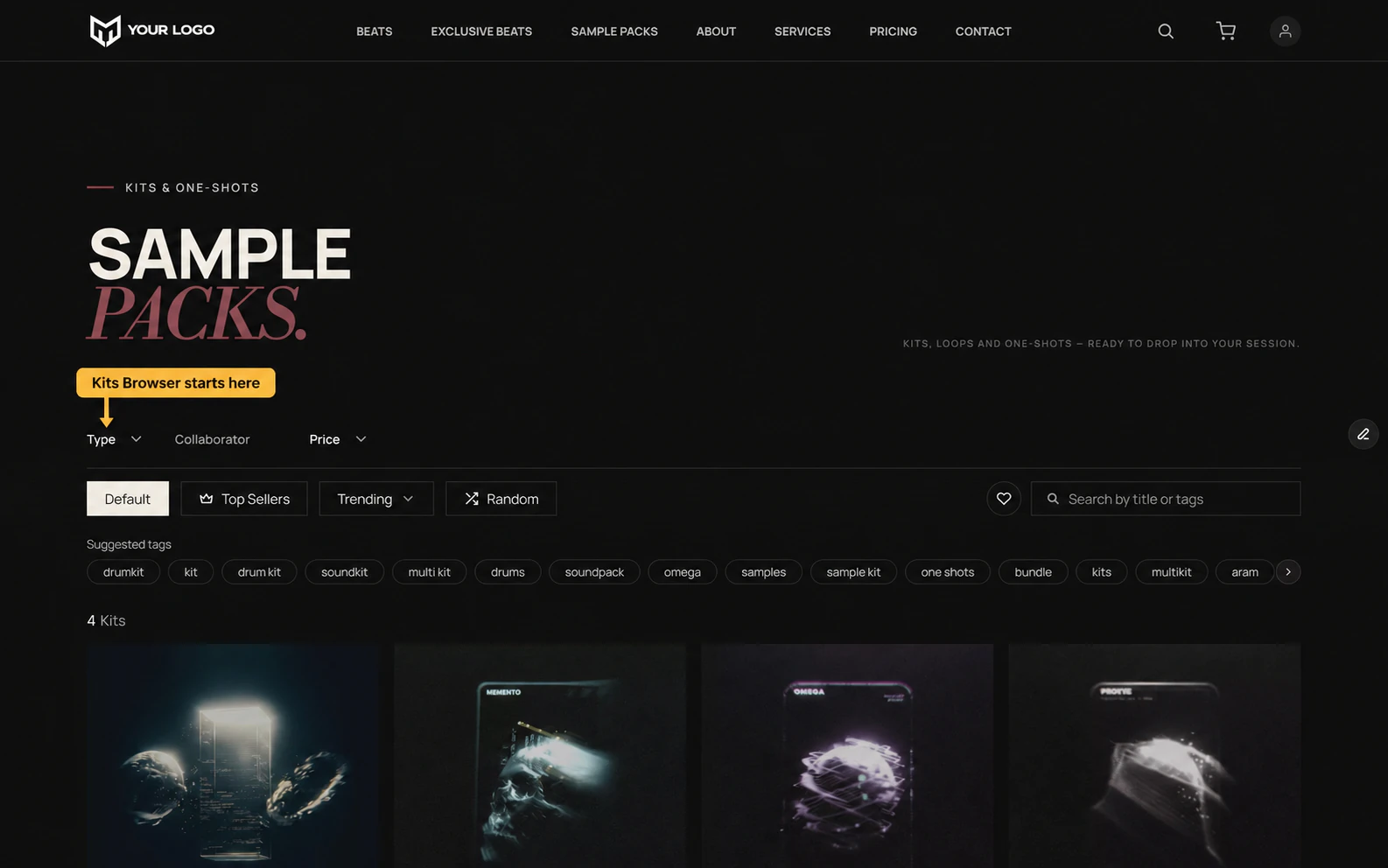
Kits Browser
BrowseSample packs and kits, as a grid. The same page shape with a shorter filter set.
Services Browser
BrowseMixing, mastering, custom work — the same again for services.
Carousel
BrowseA shelf of tracks, kits or services for a home page or the foot of a detail page. Pick the type in its panel.
A carousel shows what its own panel says. It never follows a filter bar elsewhere on the page.
On a phone
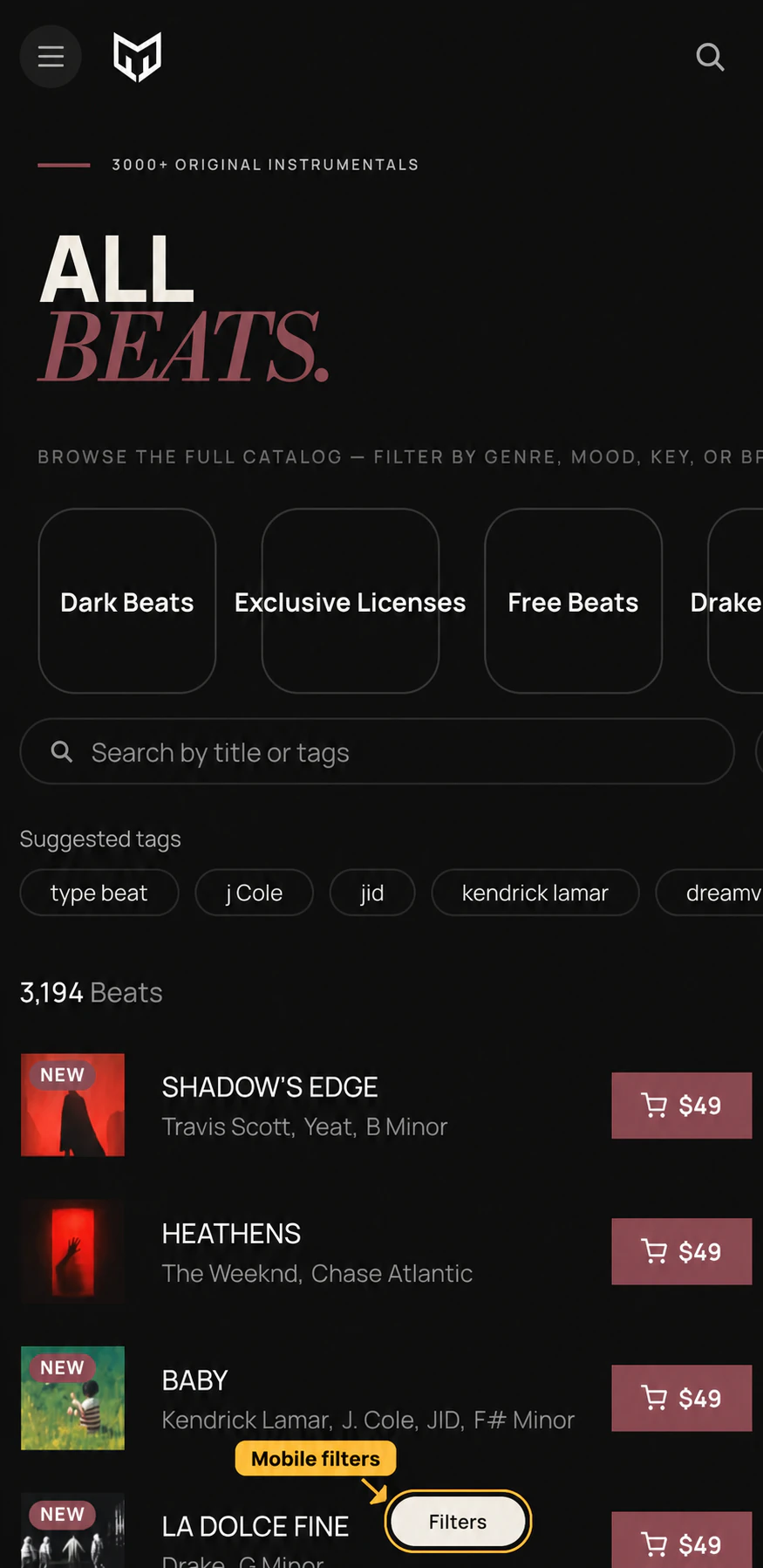
Choosing what a list shows
Which filters appear, what a page opens already narrowed to, and where a list draws from are the same three questions for every browser and carousel. They have their own pages:
Filters — every key and what it accepts