Components
On every page
Four components that belong to the site rather than to a page. Put them in your layout template and every page inherits them.
Soundee Setup
SetupThe cart, the licence picker, the sign-in dialog, the share and download dialogs — and your brand. Nothing of it is visible until a visitor opens something.
Its Colours, Text and Buttons groups are the site’s design system. Set them here and every Soundee component follows.
Required on every page. Without it, buttons lose your brand and the cart has nothing to open.
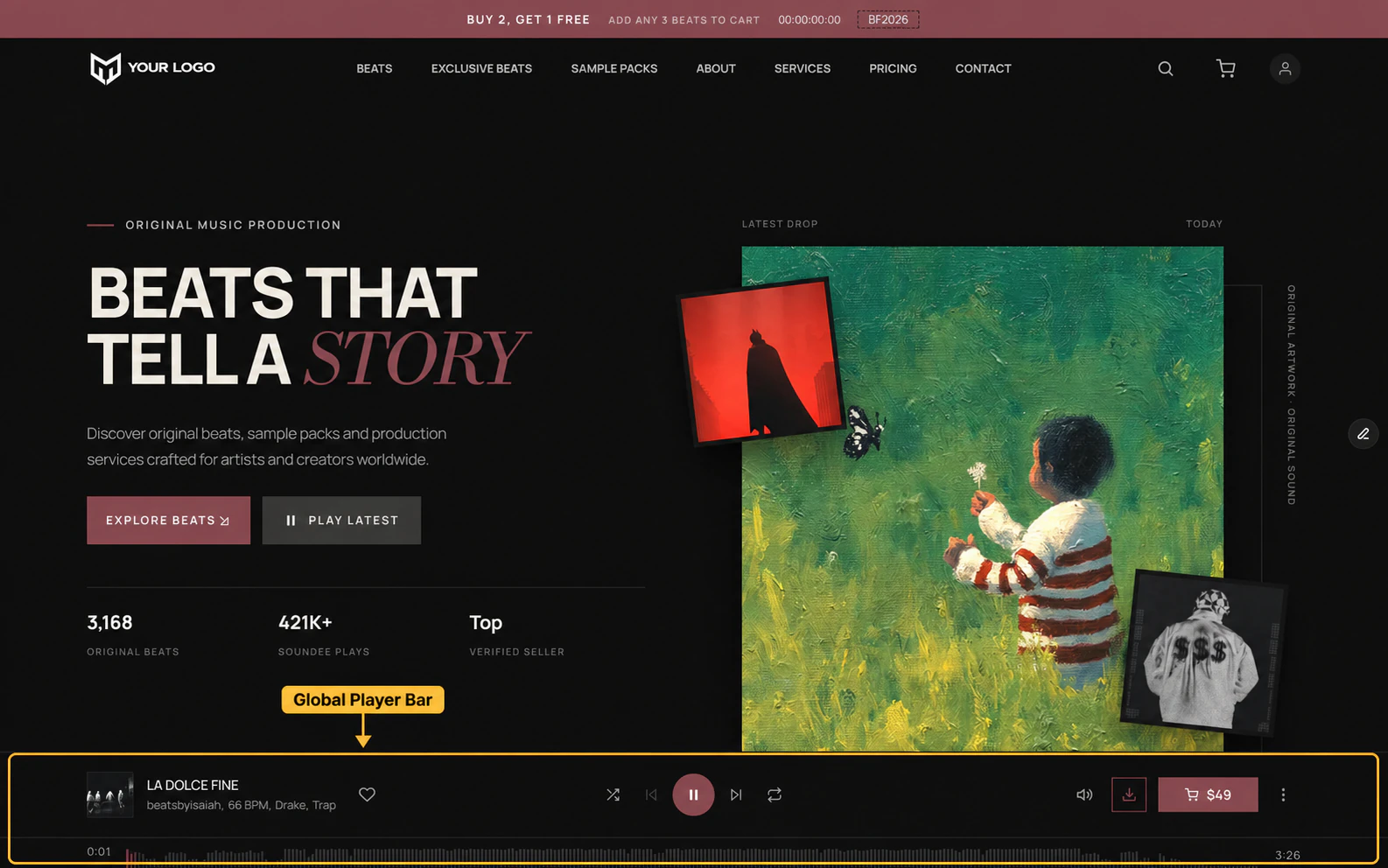
Player Bar
PlayerThe pinned player. Minimal on phones, with a full-screen view. Whatever starts playing anywhere on the site lands here, and next and previous walk the list it came from.
Pin it to the bottom. It needs no connection to any list — it finds them.
Cart Button
CommerceOpens the cart, with the live item count on it.
Needs Soundee Setup on the page. Without it the button looks fine and does nothing, which is the single most common first-day puzzle.
Account Button
AccountSign in, or the account menu for a visitor who already has.
Set Layout per breakpoint. An empty label hides that row from the menu.
Linking list titles to your detail pages
Soundee Setup has a CMS Link slot. It is optional — every list works without it, titles simply are not links.
Connect a component that resolves an entity to its CMS page and titles become clickable. Soundee still draws the title itself; the slot is there so the click can be handed to Framer, which routes to the CMS page the way it routes any other link on your site.